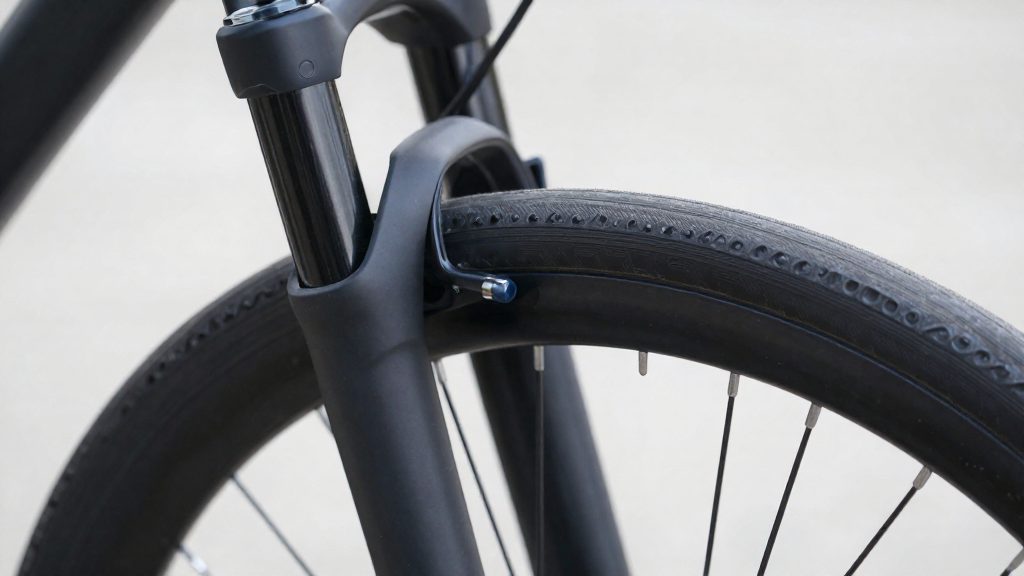
Headset bearing play is felt as a knock through the handlebars and fork, while worn bearings make the steering feel gritty or notchy. Because a loose wheel, pedal or bottom bracket can also produce a knock, the feel of the steering and the position of the noise both matter. Riders can use these sensations to decide whether the headset needs a closer check.
What does headset bearing play feel like?
Play in a headset is a real and noticeable movement. When the bike is ridden, the clunking or knocking feels as if it originates at the front of the bike, transmitted through the handlebars and fork. This is the main symptom that a headset needs attention.
Steering quality is the second indicator. Turn the bars slowly by hand. Cartridge bearings in good condition turn smoothly, but worn ones feel gritty or notchy. On inspection, worn bearings may also show corrosion or pitting. The lower bearing usually wears faster than the upper one, so a gritty feel low in the steering column is the first place to look.
The table below summarises the symptoms and what each one indicates.
| Sensation | What it indicates |
|---|---|
| Knock felt through the bars while riding | Play in the headset |
| Gritty or notchy steering at slow turning | Worn cartridge bearings, possibly with corrosion or pitting |
| Rattle when the front wheel is bounced off the ground (threaded headset) | Headset is loose |
The symptoms overlap with other loose components. A rattle on the front wheel bounce test points to the headset on a threaded design, but a knock that does not change when the fork is checked may come from a wheel, pedal or bottom bracket. Compare the noise with the steering feel: a headset problem is accompanied by a sensation in the bars and fork, whereas a loose pedal or bottom bracket usually shows up in the cranks. If the symptom remains unclear after these checks, a local bicycle workshop can inspect the headset directly.
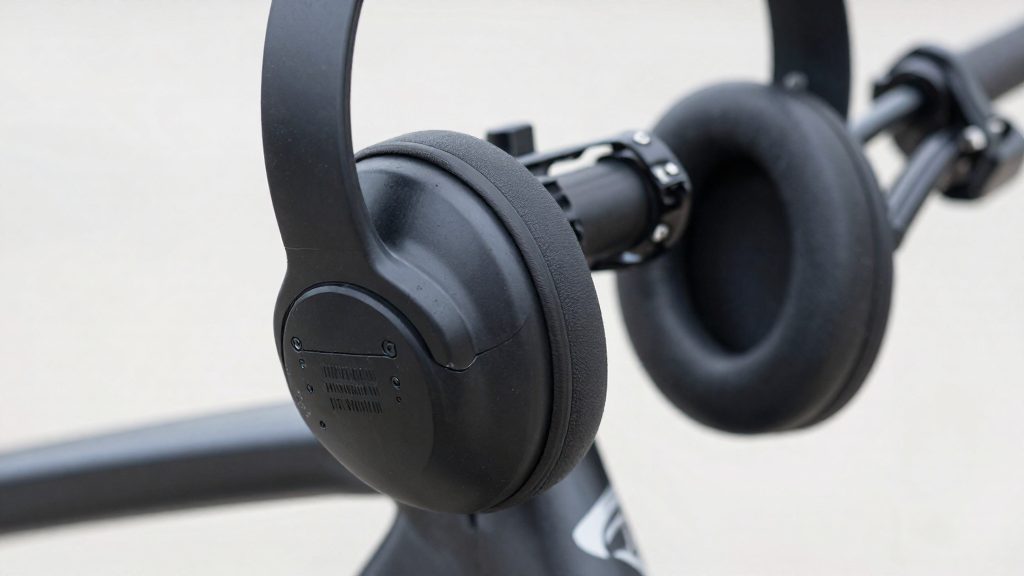
Tools you need to check headset play
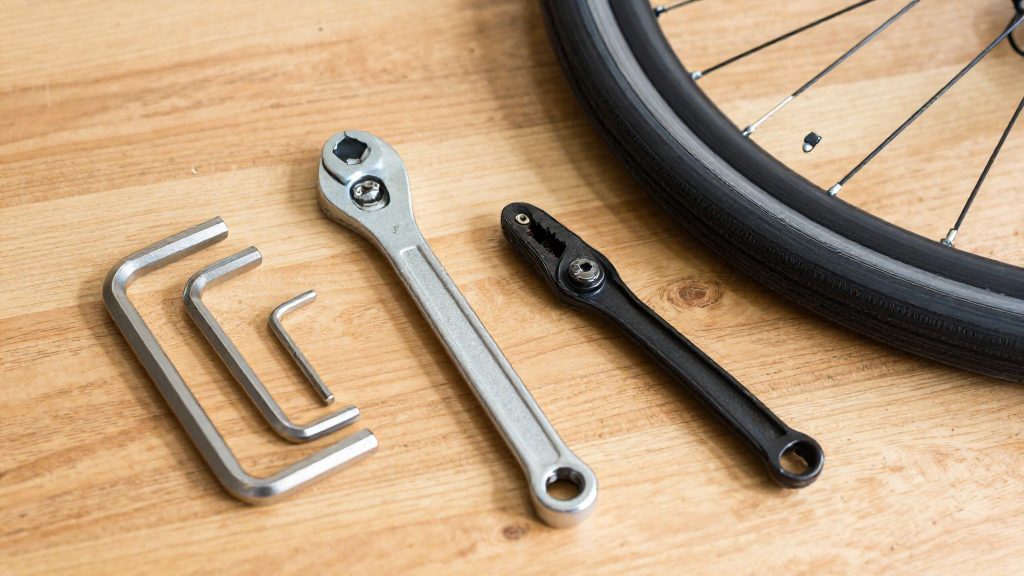
Checking headset play requires only a few hand tools, and each one serves a specific step: loosening and clamping the stem and top cap, lifting the front end, and holding the threaded locknut on older headsets. The table summarises what each tool does.
| Tool | Used for |
|---|---|
| Allen (hex) keys | Loosening the stem clamp bolts and turning the top-cap bolt |
| Bike stand or wheel lift | Raising the front wheel so the fork and bars can move freely |
| Headset spanners | Holding the locknut and adjusting race on a threaded headset |
Allen keys for stem and top-cap bolts
On an Ahead (threadless) headset, the stem clamps onto the steerer tube, and the top-cap bolt sets the preload of the bearings. Use a hex key that seats fully in each bolt head. A key that is too small or worn can round the socket, which makes the bolt difficult to turn later.
Bike stand or wheel lift
A stand or lift lets the fork hang free, so any movement in the bearings is easier to feel. On a threaded headset, BikeRadar (2023-03-06) recommends bouncing the front wheel off the ground, where a rattle suggests the headset is loose.
Headset spanners for threaded locknuts
A threaded headset uses two spanners: one holds the locknut while the other turns the adjustment race beneath it. Match each spanner to the flats of the nut exactly, and confirm the correct size against the headset manufacturer’s documentation before you start.
How do you do the front brake rock test?
The front brake rock test shows whether the steering bearings are moving, because braking holds the front wheel still and removes the wheel’s own motion from the result. According to bike-components (2026), you can separate headset play from brake or pad movement by holding the lower head tube and upper fork crown with your fingers while you brake and rock the bike. The sequence below follows that method.
| Step | Action | What to look for |
|---|---|---|
| 1 | Squeeze the front brake lever firmly and keep it held | The wheel stays fixed and should not roll |
| 2 | With the brake still applied, push the handlebar gently forward and back | Movement is felt through the bars |
| 3 | Place one hand’s fingers on the lower head tube and the other on the upper fork crown | Fingers can feel where the movement originates |
| 4 | Keep the brake applied and rock the bike while your fingers stay in place | Movement felt under the fingers points to the headset |
ROSE Bikes (2026) states that noticeable movement during this check means play in the headset. The distinction comes from the fingers: movement felt at the bars that does not register between the head tube and the crown points away from the bearings, for example toward the brake, pads or another loose part. Movement that you feel between the fixed head tube and the rotating fork crown points to the headset.
Keep the brake applied firmly for the whole test. Releasing the lever lets the wheel roll, which can hide or mimic bearing movement. No movement at the bars and none felt between the head tube and the crown means there is no play at that moment. Also confirm that the bars turn smoothly with the wheel lifted, and check the bearings for grittiness or pitting, before you treat the headset as sound. Repeat the test after any work on the brake, since a pad that has shifted can produce a false reading.
How to feel for play with your fingers
This check needs no tools. It locates headset movement at the fork-to-frame gap, where the steerer tube enters the head tube and the bearings sit. Headset play is often too small for the eye to see, so your fingers serve as the detector.
Finger placement
Wrap your thumb and index finger around the gap between fork and frame, at the top of the head tube just below the stem. Keep both fingers in contact with the two parts so that any movement between them reaches your skin. Rock the handlebar gently forward and back while your fingers stay in place. According to ROSE Bikes (2026), noticeable movement at this gap means play.
An alternative grip is to pinch the lower head tube and the upper fork crown directly. According to bike-components (2026), this lets you feel the two parts move against each other.
Detecting movement the eye cannot see
Play at the headset usually appears as a slight step or shift rather than visible motion. Move the bars in short, controlled increments and pause between them. A true headset shift is felt at the same point on every stroke. Movement that varies with the position of the bars, or that comes from cable or hose flex near the stem, is not headset play. Repeat the check at the same spot each time so you compare like with like.
Feeling for a fine knock at the bearing races
Loose bearing races, the hardened rings the bearings roll against, can produce a fine knock rather than a continuous slide. Stop the movement and start it again slowly. A knock that repeats in step with each rock of the bars, and is felt at the fork-to-frame gap, points to the headset.
Is your headset too tight?
Overtight preload is the opposite fault to play. The bearings are compressed so hard that the steering loses its smooth action. To check for it, lift the front wheel off the ground so the bearings carry only the weight of the fork and bars. According to ROSE Bikes (2026), the bike should be lifted by the top tube for this test.
The free-rotation test
With the front wheel clear of the floor, work through these steps:
- Turn the handlebar slowly left and right through its full travel.
- Listen for grinding or catching. The rotation should be quiet.
- Release the bars and watch whether they tilt to one side on their own.
A correctly set headset lets the bars turn freely and quietly and tilt to one side without assistance, as ROSE Bikes (2026) describes.
| Observation | Reading |
|---|---|
| Bars turn freely and quietly, then tilt to one side | Preload is in the expected range |
| Bars resist, feel stiff, or catch at one point | Preload is too high |
| Bars lock in the centre and point straight ahead (threaded headset) | Headset is too tight or bearings are heavily worn (BikeRadar, 2023) |
Spacers as a hand check
The spacer stack between the stem and the headset gives a second check. Try to turn the stack by hand. According to bike-components (2026), spacers that no longer turn by hand usually mean the preload is sufficient. This confirms the stack is clamped, but it does not show that the bars rotate freely, so the free-rotation test still has to be run.
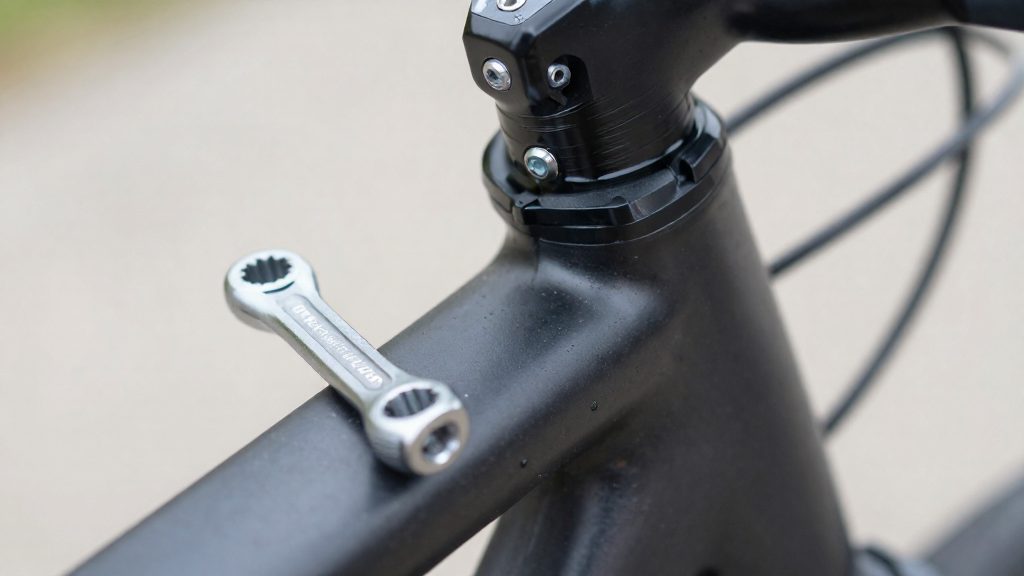
How to tell worn bearings from loose preload
Play in a headset usually has one of two causes: worn bearings, or preload that has loosened or been set incorrectly. The distinction matters because preload can be adjusted at home, while worn bearings need replacing. Three checks separate the two, and they are most useful when read together.
The first check is the hand rotation feel. Turn the handlebar by hand. Rotation that feels gritty or notchy points to wear. Smooth, quiet rotation with play present points back toward preload.
The second check is the condition of the bearing surfaces. Pitting on a race is physical damage that a preload adjustment cannot correct, so finding it settles the question even if rotation feels acceptable.
The third check is recurrence. If play reappears soon after you have corrected preload and rechecked it, the bearings are more likely worn than wrongly adjusted.
A threaded headset that locks in the middle and points straight is a special case. Loosening the preload and retesting the rotation separates the two causes.
| Check | Points to loose preload | Points to worn bearings |
|---|---|---|
| Hand rotation | Turns freely and quietly, with play present | Gritty or notchy when turned by hand |
| Lower bearing race | No corrosion or pitting | Corrosion or pitting visible |
| Play after correction | Gone after adjustment and recheck | Returns soon after adjustment |
What should you do if there is play?
On an Ahead (threadless) headset, the correction follows a fixed order. Loosen the stem clamp bolts first, so the headset can be adjusted without the stem holding the steerer in place. Then make the preload change through the top cap. Adjusting the top cap while the stem is still clamped is the mistake this order avoids. According to bike-components (2026), the top-cap bolt should be tightened only in small steps, often a quarter or half turn, and the headset should be rechecked for play after each step.
Work through the adjustment in this sequence:
- Loosen the stem clamp bolts, leaving them snug enough that the stem can still be moved by hand.
- Turn the top-cap bolt by a quarter turn, or a half turn at most.
- Recheck for play by feeling for movement between the fork and the frame.
- Repeat steps 2 and 3 until the play is gone. Stop as soon as the rock test shows no play and the bars still turn smoothly. Tightening further risks overtight preload.
- Make sure the handlebar points straight ahead in line with the front wheel. Then tighten the stem clamp bolts to the printed torque figure on the stem or the value given in the bike manual, as ROSE Bikes (2026) specifies.
Keeping each step small makes the result easier to judge. A large single turn can overshoot from play to resistance, and then you must back off the top cap and start again. Recording how many quarter turns you applied helps you return to the last good setting if the headset becomes tight again after the stem is tightened, since tightening the stem clamp can shift the preload slightly.
When should you service or replace the headset?
Servicing and replacement address different problems. Play that disappears once preload is corrected is a service issue. Bearings that stay rough or keep loosening after adjustment point to replacement.
Inspect after a crash, rough riding or wet riding
Check the headset after a crash, after prolonged rough riding, or after regular riding in wet conditions, since these are the situations in which bearings can be contaminated or damaged.
Replace bearings after repeated service failure
If play returns after you reset preload, the bearings are probably worn rather than misadjusted. Further adjustment will not fix the problem, and the bearings should be replaced.
Check cups and races for pitting before reuse
Before reusing cups and races, inspect their surfaces for corrosion and pitting. Pitted or corroded races will keep the bearings from rolling smoothly, so they should not be reused.
| Observation | Action |
|---|---|
| Smooth rotation, play removed by preload adjustment | Service: clean, regrease, readjust |
| Gritty or notchy rotation | Replace bearings |
| Corrosion or pitting on cups or races | Replace cups, races and bearings |
| Play returns after repeated small adjustments | Replace bearings |
Frequently asked questions
How can I tell headset play from brake pad movement?
Apply the front brake, then hold the lower head tube and the upper fork crown with your fingers while you rock the bike back and forth. Movement you can feel between those two points is headset play, while movement that comes only from the brake caliper or pads does not pass through the head tube.
Can I adjust headset preload on an Ahead (threadless) headset myself?
Yes. Loosen the stem clamp bolts, then tighten the top-cap bolt in quarter or half turns, rechecking for play after each step. Once the preload is right, tighten the stem bolts to the torque printed on the stem or given in the bike manual.
What if the handlebars stop turning freely after I adjust the headset?
Lift the bike by the top tube and check whether the bars turn freely and tilt to one side on their own. If they lock in the middle and point straight, the preload is too tight or the bearings are heavily worn, so back off the top-cap bolt slightly before retesting.